


BOOKS and HIGHLIGHTS

Never lose the lines you underline. BookHighlight keeps your books, highlights and notes in one place, turns a PDF selection into a saved highlight with a single tap, helps you follow your reading habits and lets you chat with your own library using AI.
Your library
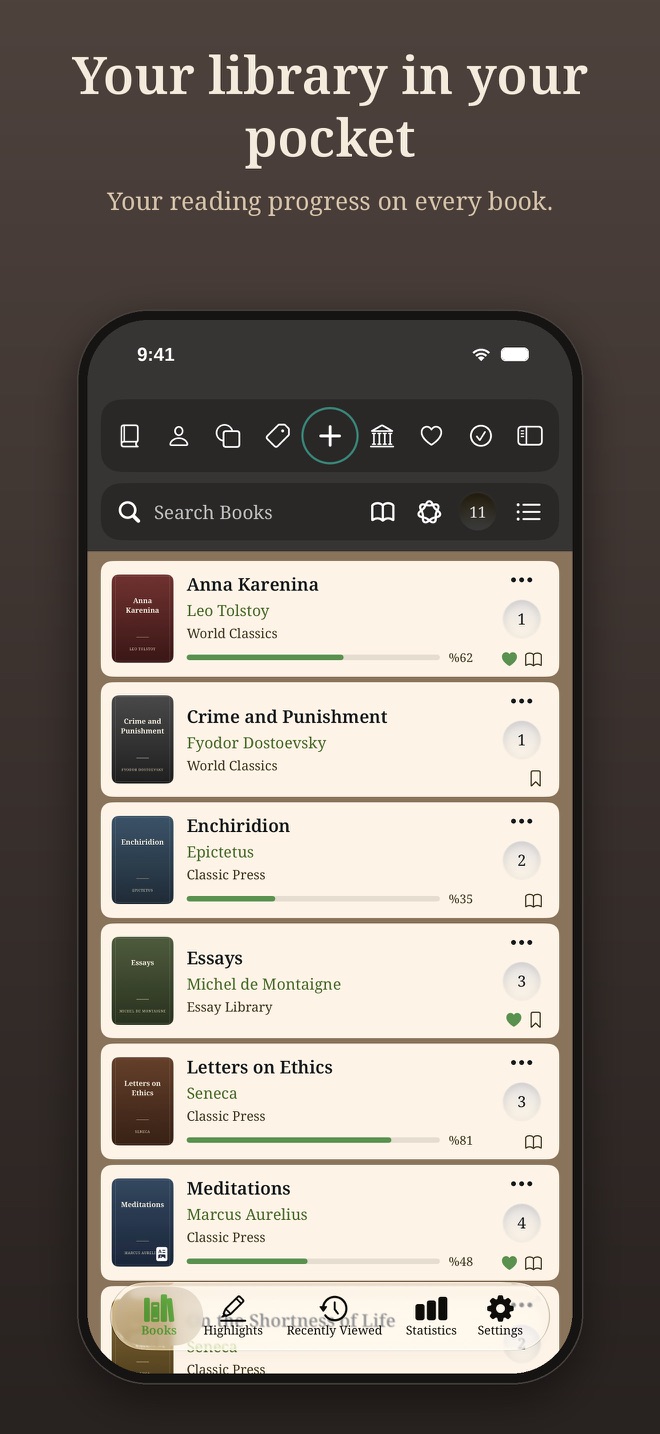
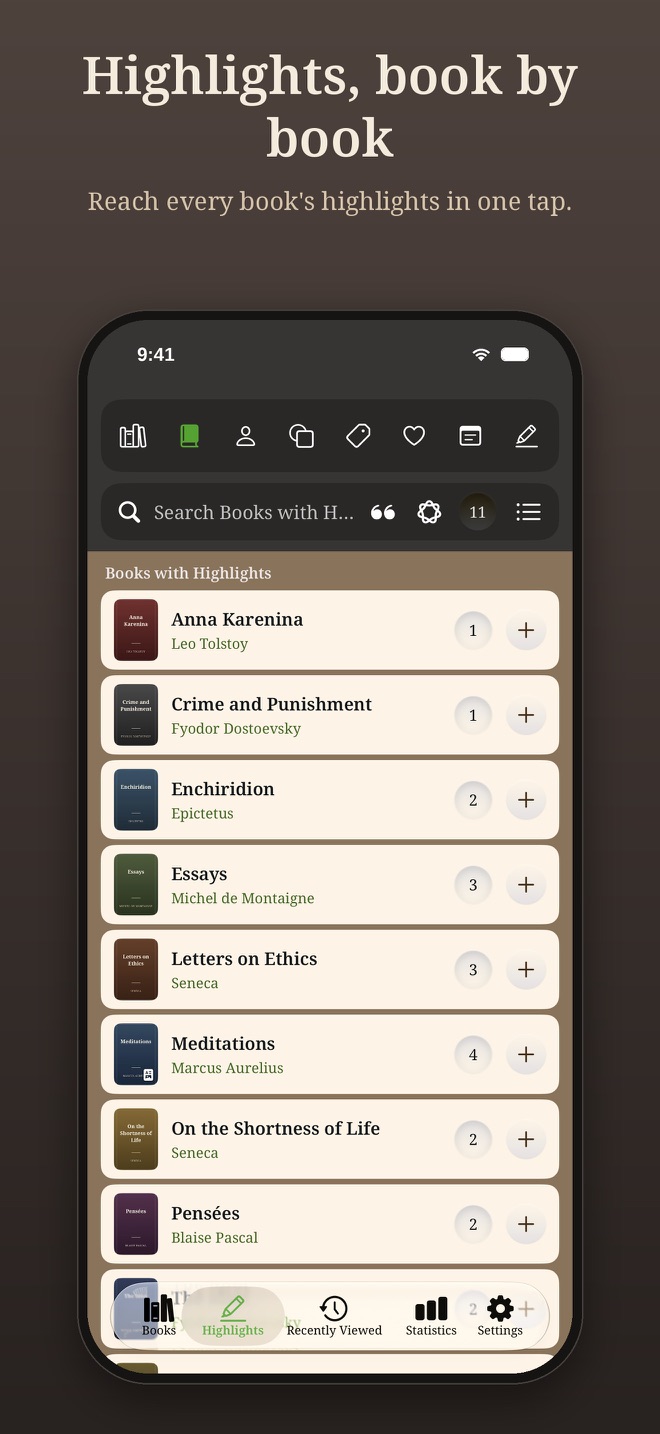
- Save books with cover, author photo, publisher, translator, edition details, category and tags.
- Scan the ISBN barcode with your camera to fill in title, author, publisher, page count and cover automatically.
- Set a reading status: Want to Read, Reading, Read.
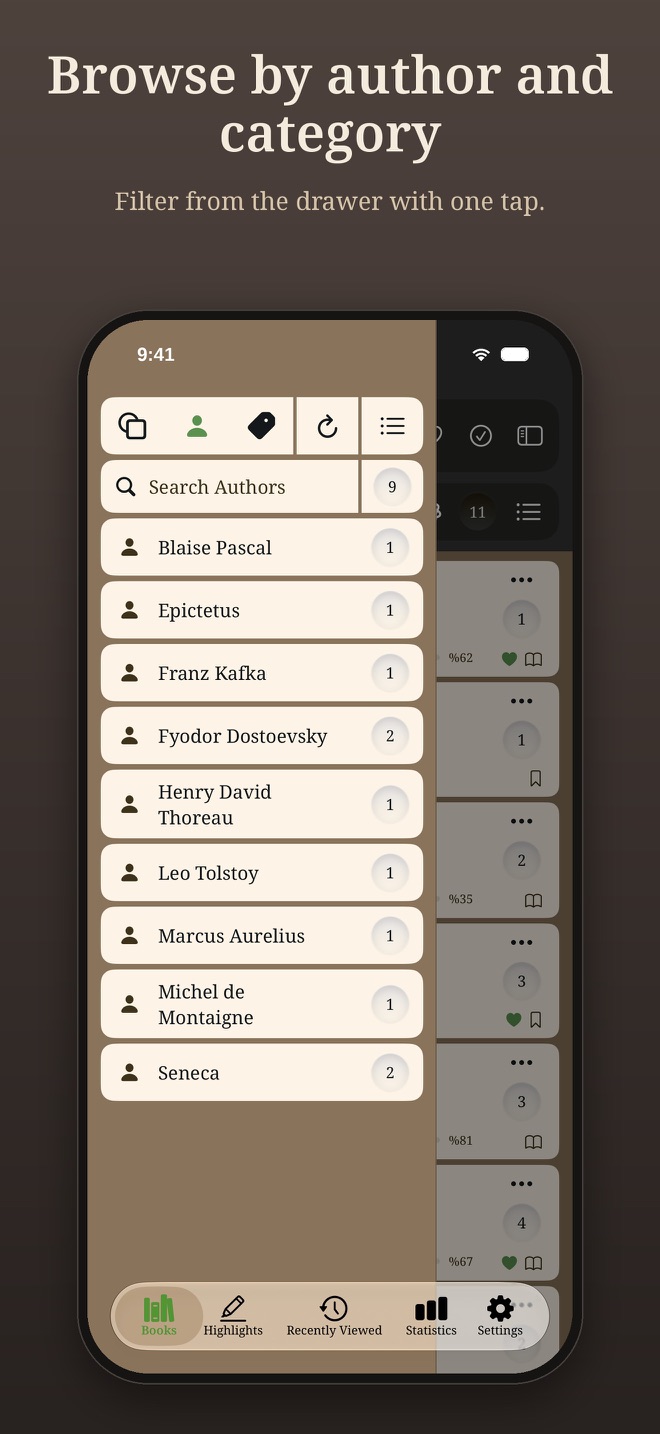
- Filter books by category, author, tag, publisher and reading status; sort by title, author or number of highlights.
PDF reader
- Add a book’s PDF or download it from a link (Google Drive included); PDFs sync to all your devices with iCloud.
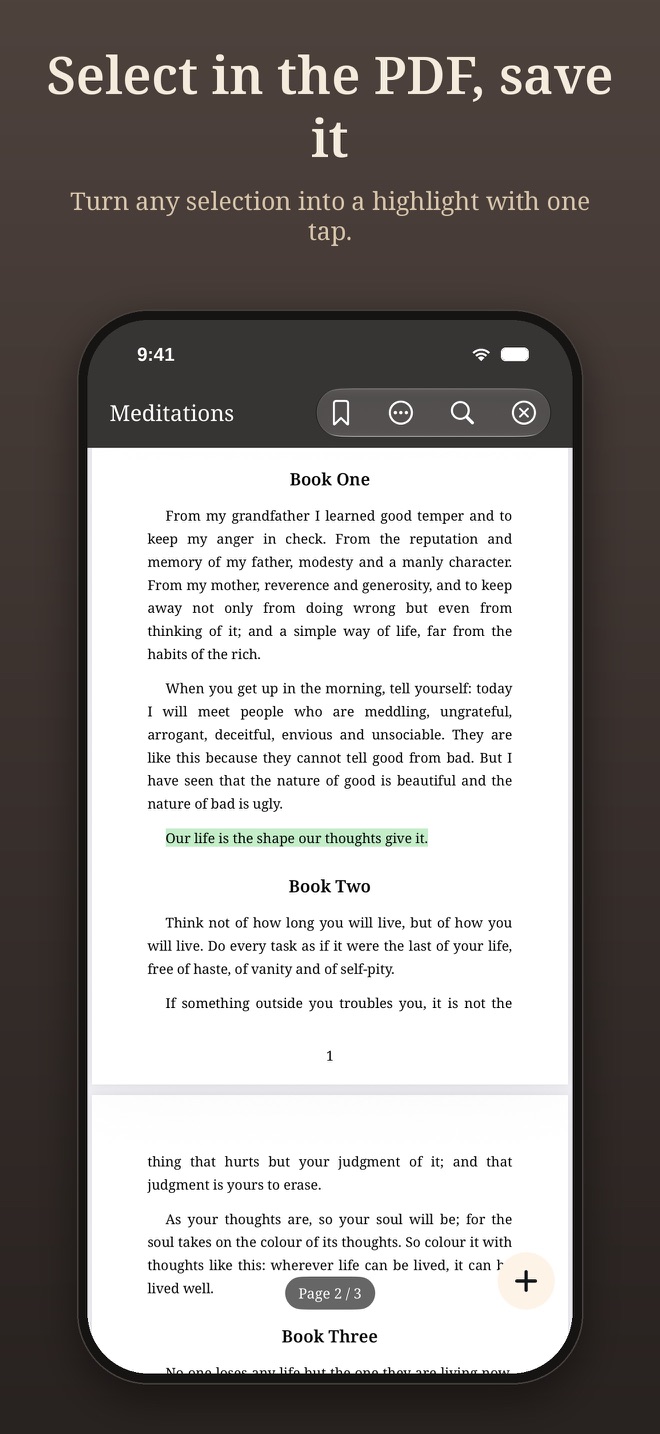
- Select text and save it as a highlight with one tap; the page number is added automatically.
- Mark passages with the yellow marker, then convert all marks into separate highlights at once.
- Turn the colored passages already in a PDF (highlighted in another app or printed in color) into highlights automatically.
- Continue where you left off; table of contents, bookmarks, search inside the PDF and read aloud.
Highlights and notes
- Type highlights, or capture text with the camera or from a photo.
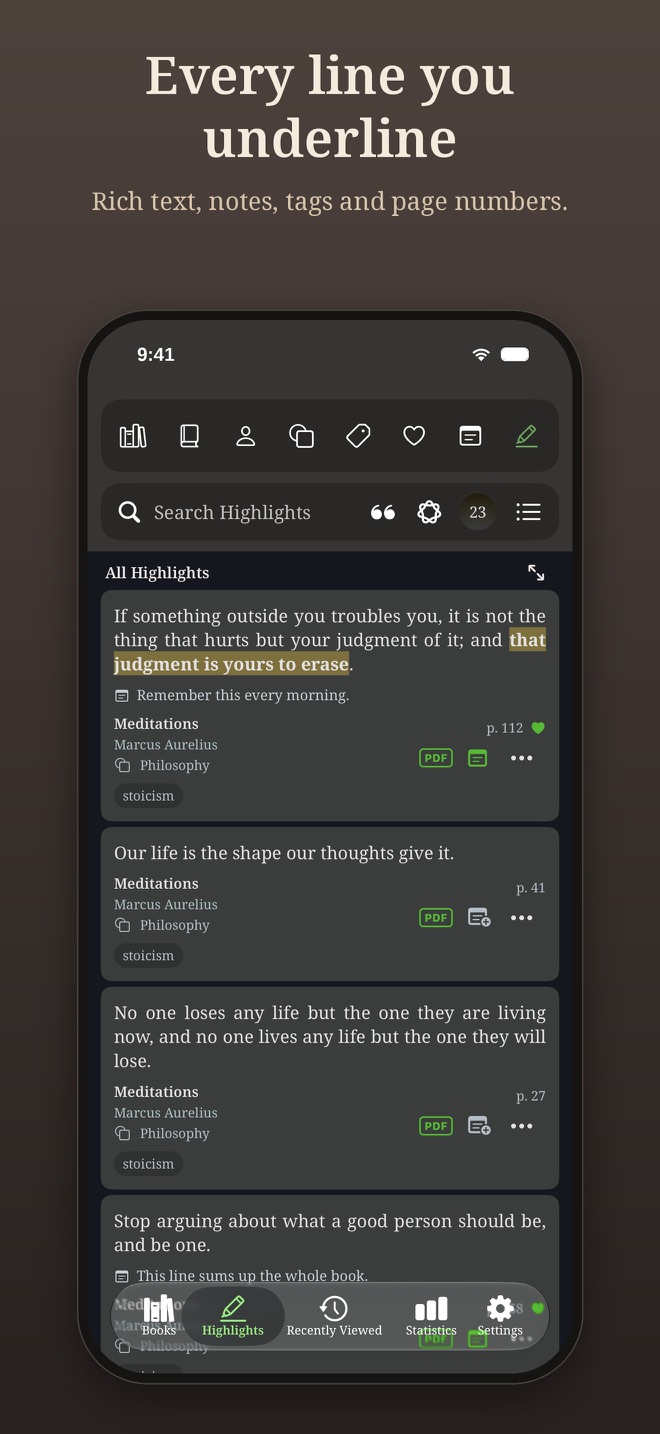
- Rich text with bold, italic, colors and lists; add a note, category and tags to every highlight.
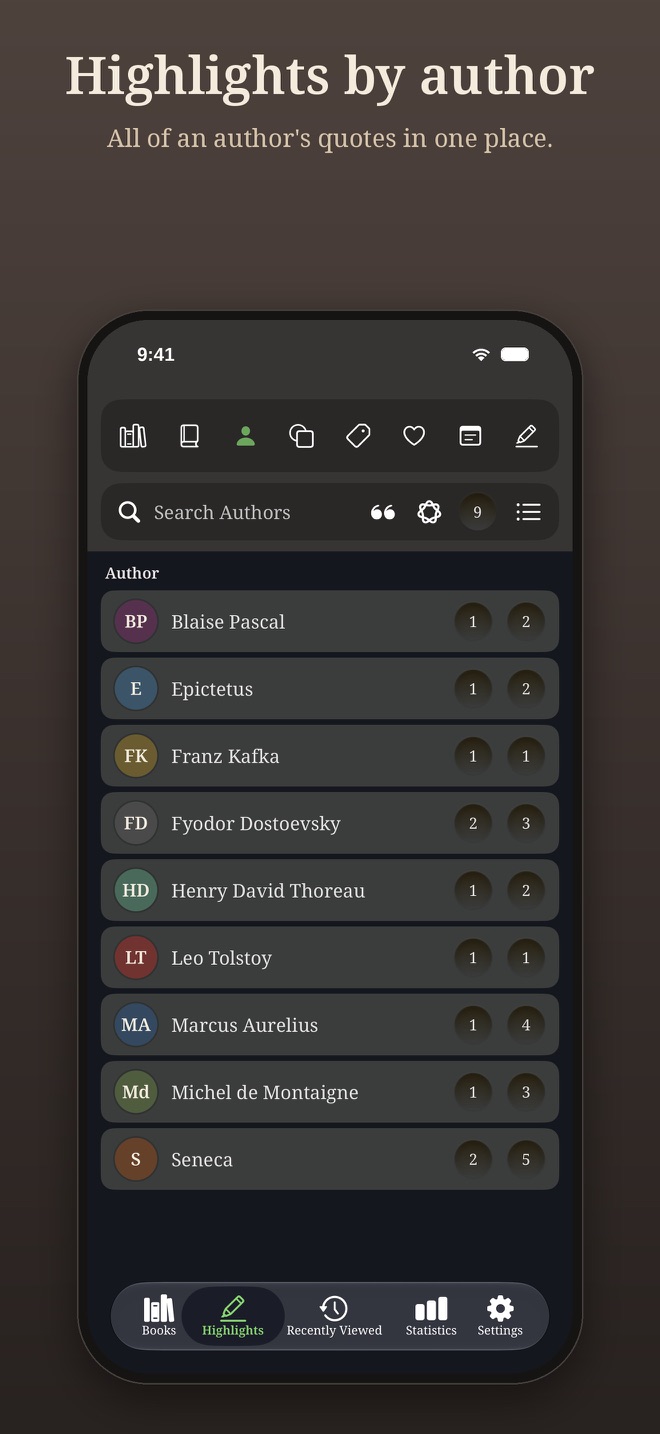
- Group highlights by book, author, category and tag; search highlights and notes with matches marked in yellow.
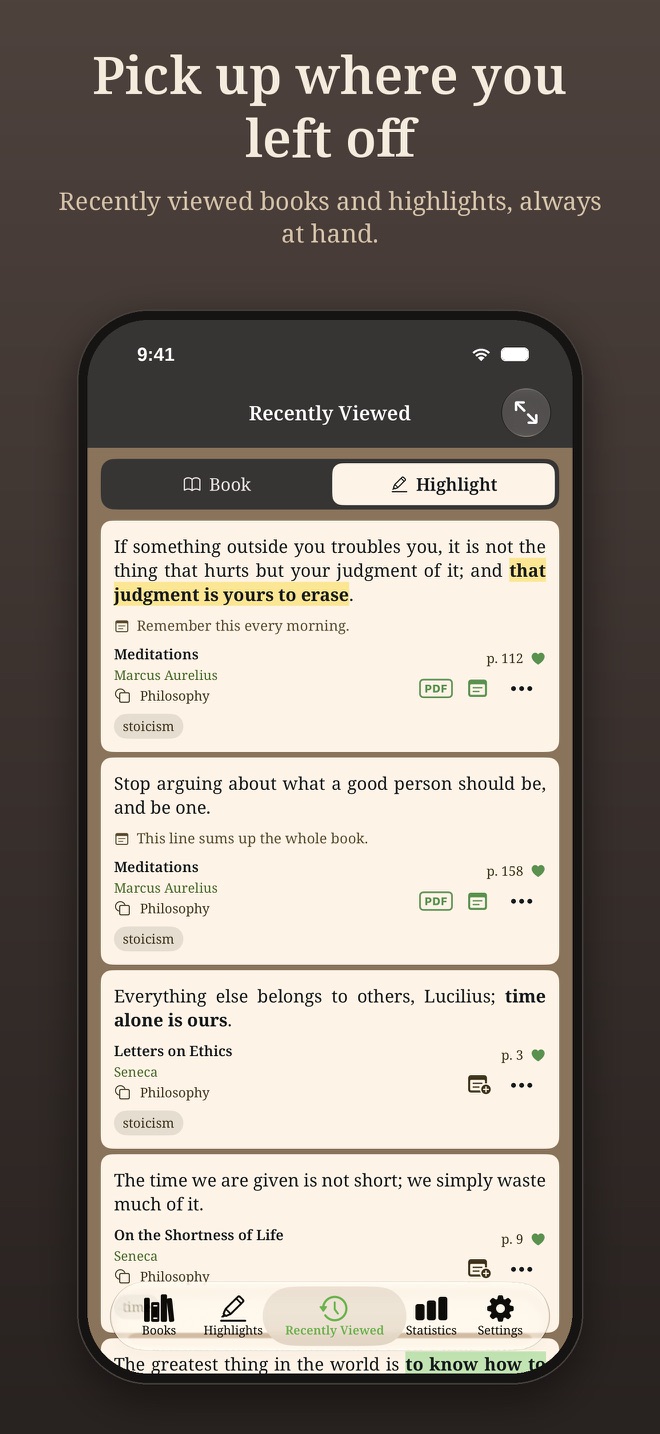
- Rediscover past reading with Book of the Day and Highlight of the Day.
Artificial intelligence
- Chat with your library (Pro): ask about your books, highlights and notes and get answers drawn from your own library, or a broader answer from general knowledge.
- Use Apple Intelligence on your device, or connect Claude, ChatGPT or Gemini with your own API key. Cloud models run only with your permission.
- Apple Intelligence creates a short summary and key ideas from a book’s highlights.
Sharing and export
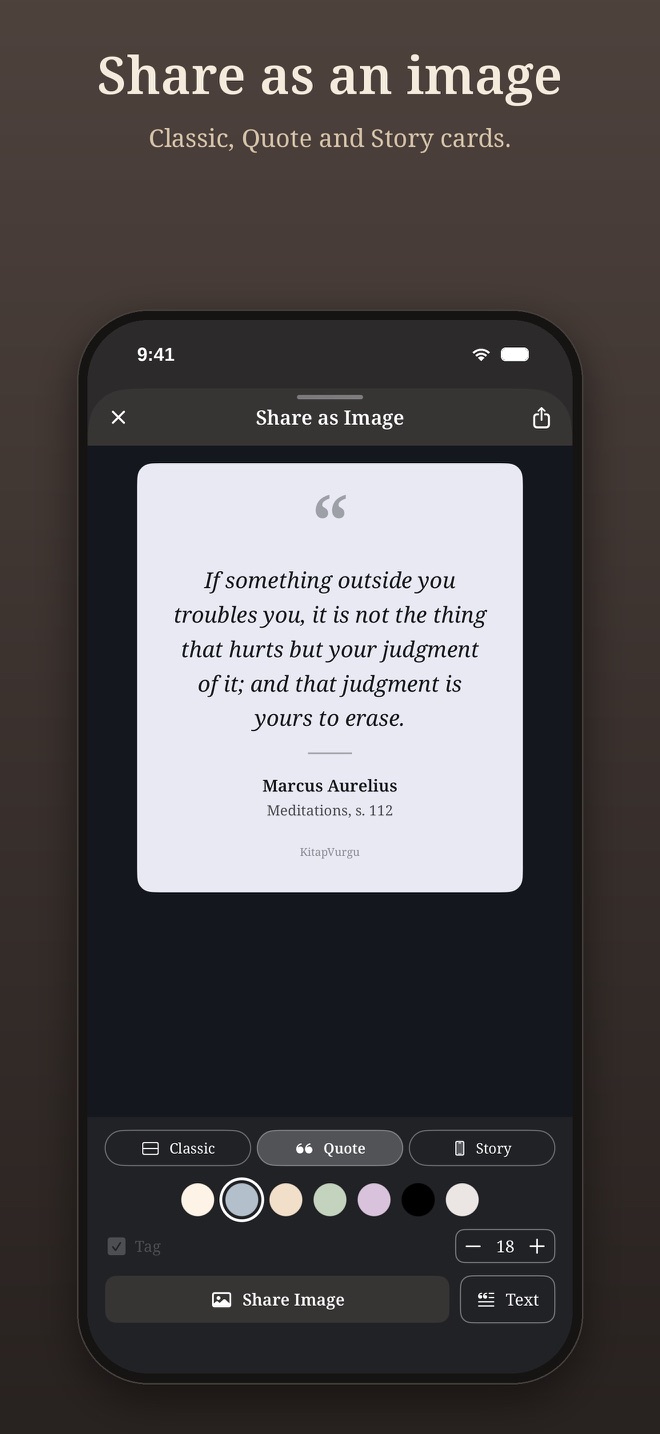
- Share highlights as beautiful cards: Classic, Quote and Instagram/WhatsApp Story templates.
- Export highlights as Markdown (Obsidian, Notion, Bear) or as a PDF document; import and export books and highlights as CSV.
- Import highlights from your Kindle “My Clippings.txt” file and from Apple Books.
Statistics, widgets and Siri
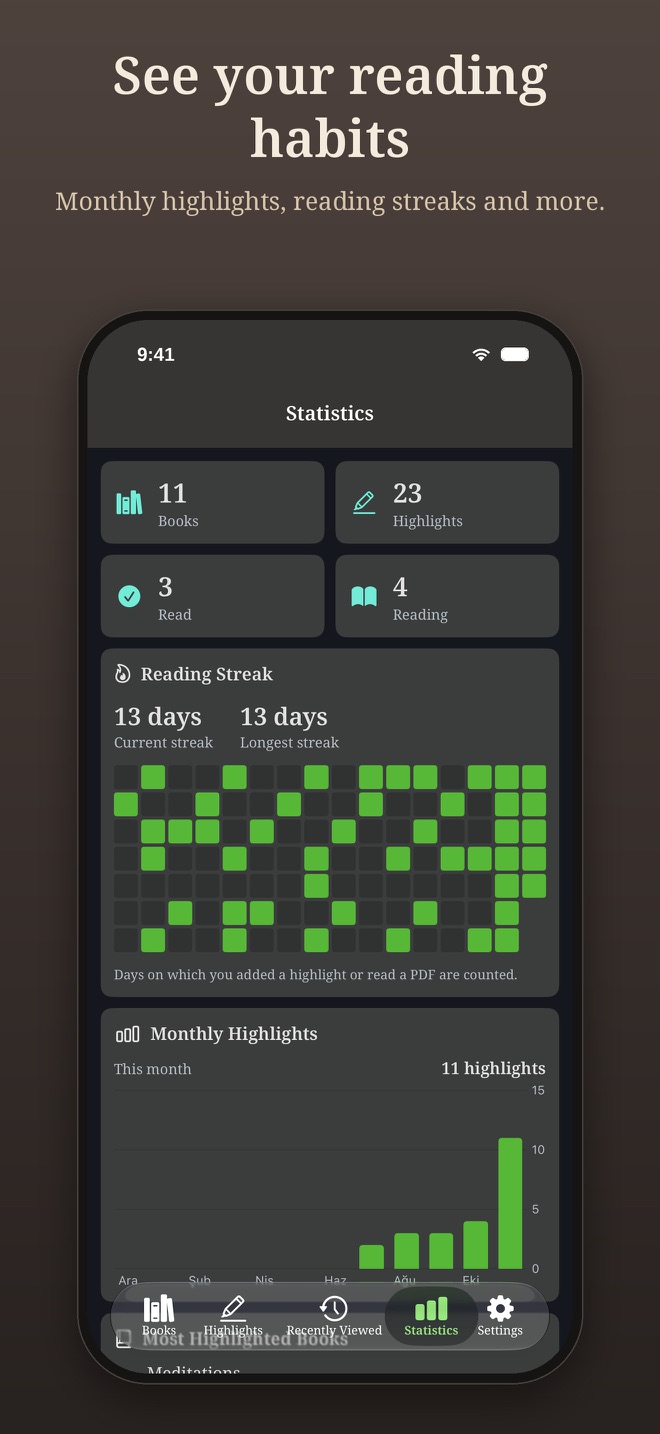
- Monthly highlights chart, most highlighted books and authors, category breakdown and your reading streak.
- Home Screen and Lock Screen widgets; Highlight of the Day with the book cover.
- Siri and Shortcuts: “Show a random highlight”, “My last highlight”, “Add a highlight”, “What am I reading”.
- Send a word you select in a PDF to the Word Enclosure app with one tap.
Privacy and sync
- Your data stays on your device and in your own iCloud account, syncing automatically between your iPhone and iPad. No account needed.
- Light, dark and system themes; iPhone and iPad; 19 languages.
Care for the richness of your world of meaning. May your books be many and your world of meaning be great.
BookHighlight Pro
The free version lets you add 30 books and 50 highlights. Pro removes the book and highlight limits and unlocks AI chat with your library. Choose a monthly or yearly subscription, or a one-time lifetime purchase. Privacy Policy