


WORD ENCLOSURE
Personal Dictionary

The World of Words – Words of the World
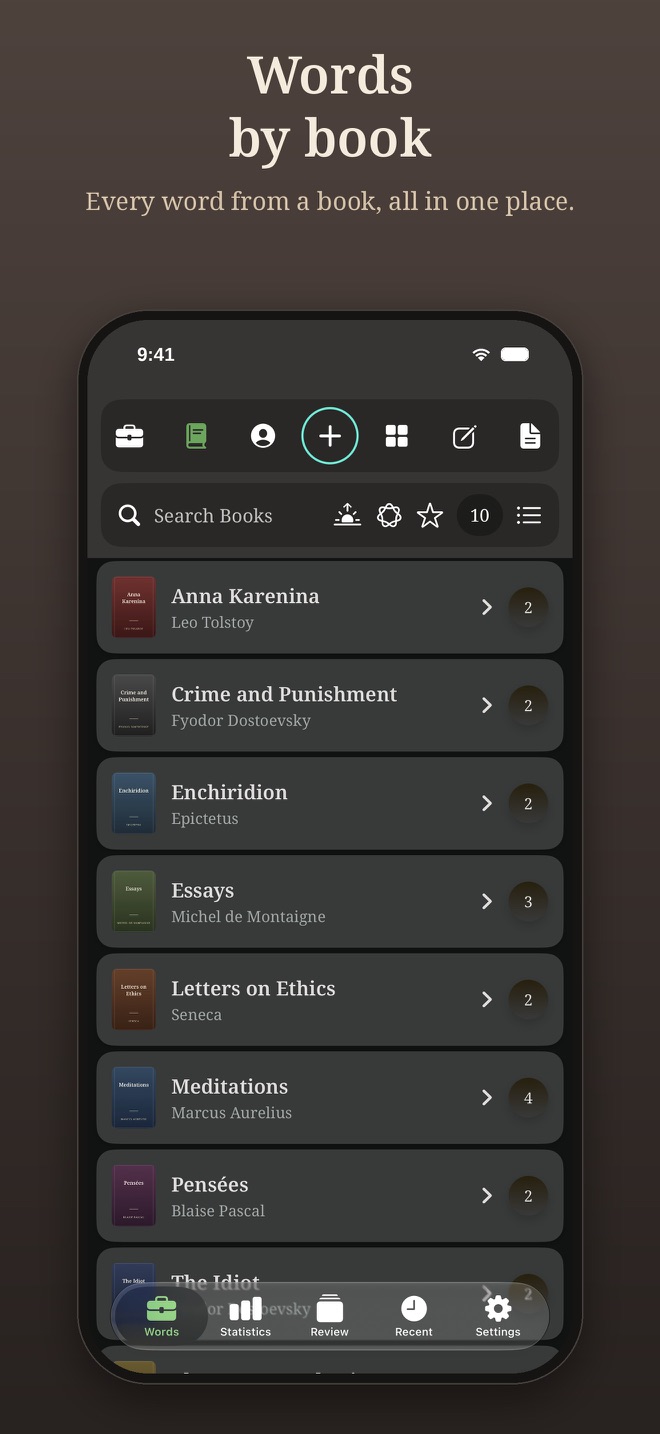
A word notebook for students, teachers, writers, scholars and readers. Collect the words you come across in books, encyclopedias and other sources, together with their definitions, sources and your notes. See the meanings of the same word from different sources side by side, review them until they stick, and chat with your own words using AI.
Collect your words
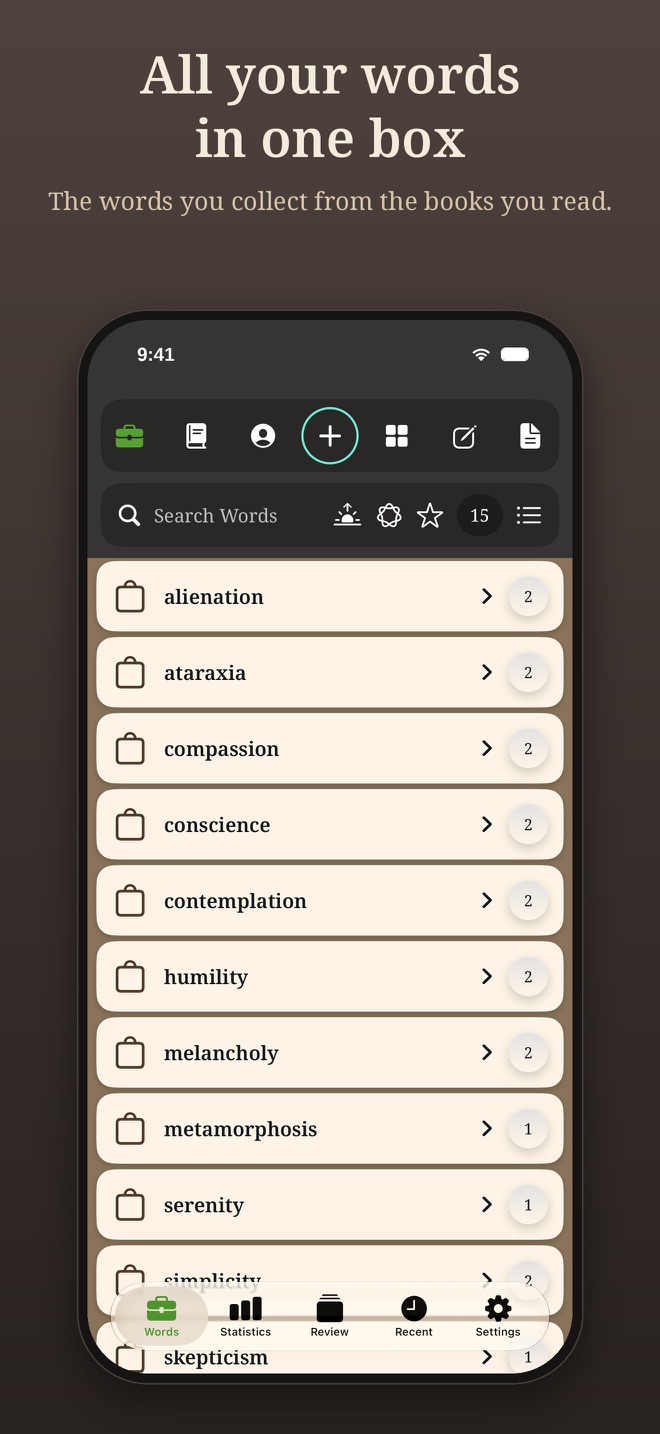
- Save a word with its definition, book, author, page number, category and note.
- Use rich text in definitions and notes: bold, colors and highlights.
- Read text from a book with your camera or a photo and add it to the definition; add book covers and author photos.
- Duplicate a word to quickly add its meaning from another source.
- Translate words into another language and add the translation to the definition.
- Send a word you select in the KitapVurgu (BookHighlight) app straight to Word Enclosure.
Organize and find
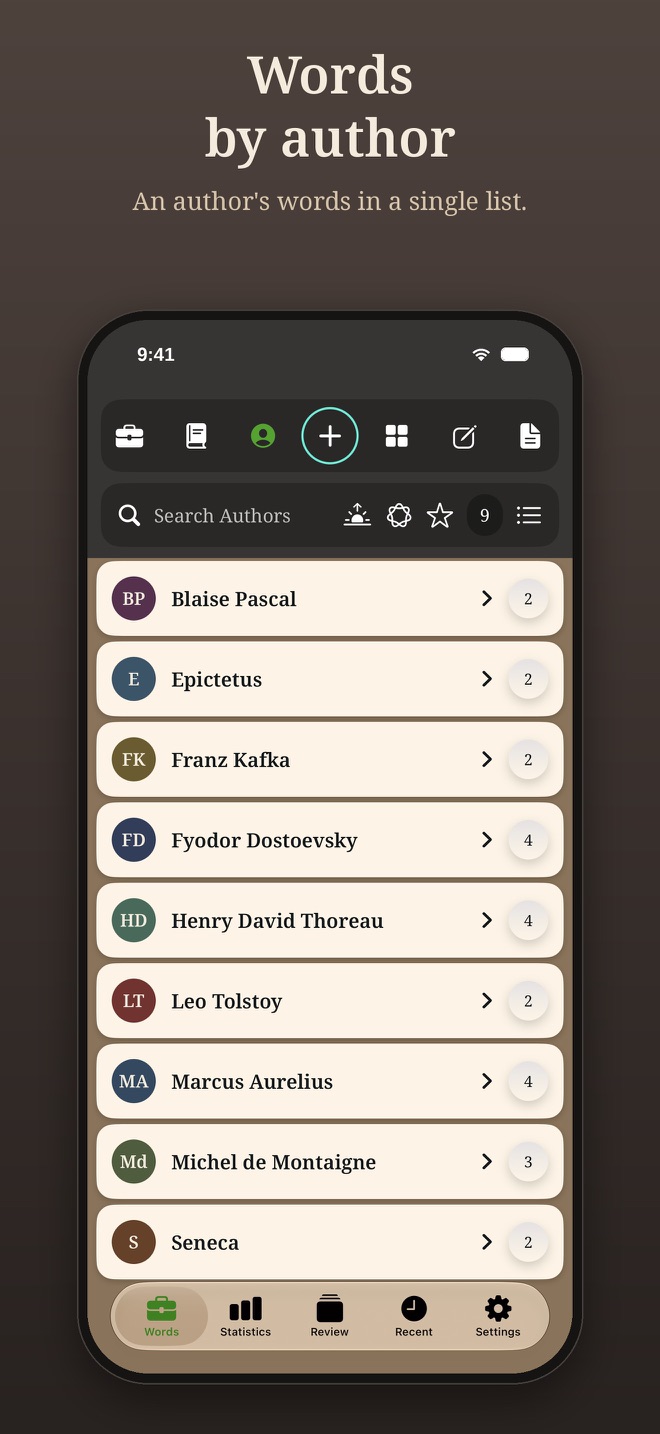
- Group words by word, book, author and category.
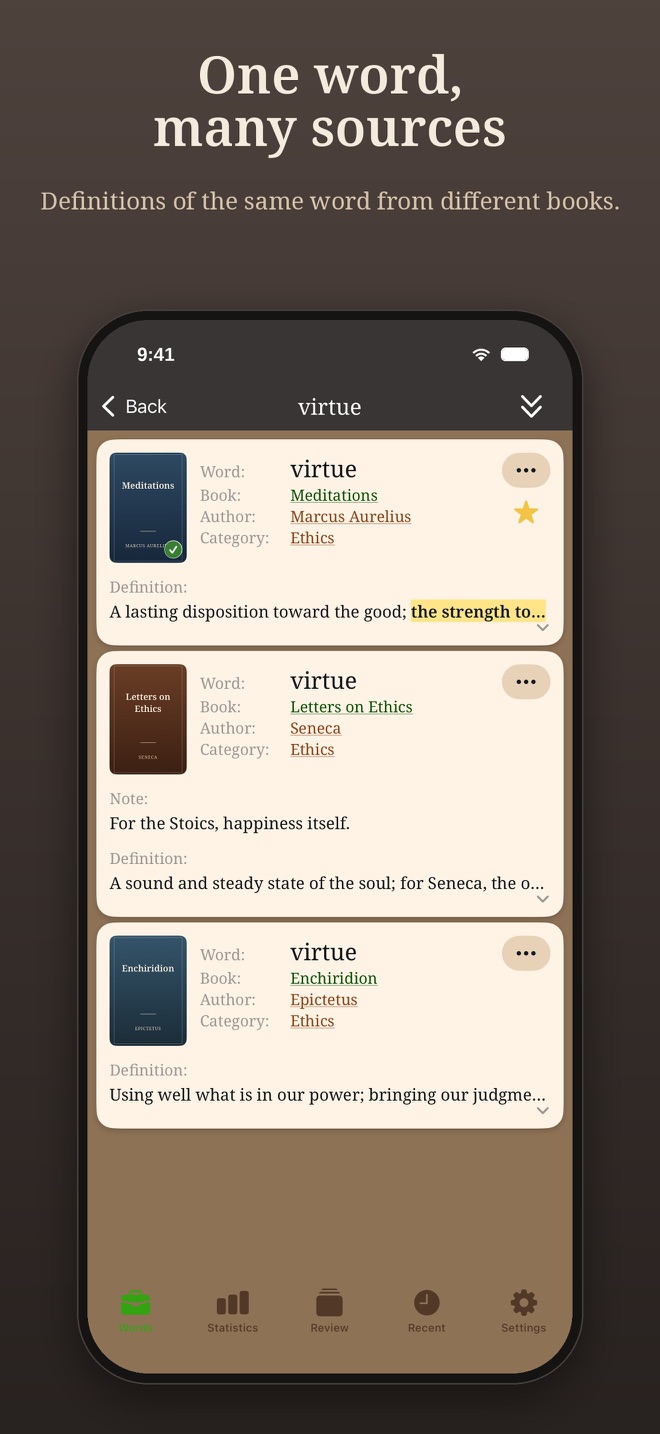
- Compare definitions of the same word from different sources side by side.
- Search words, definitions and notes; mark your favorites.
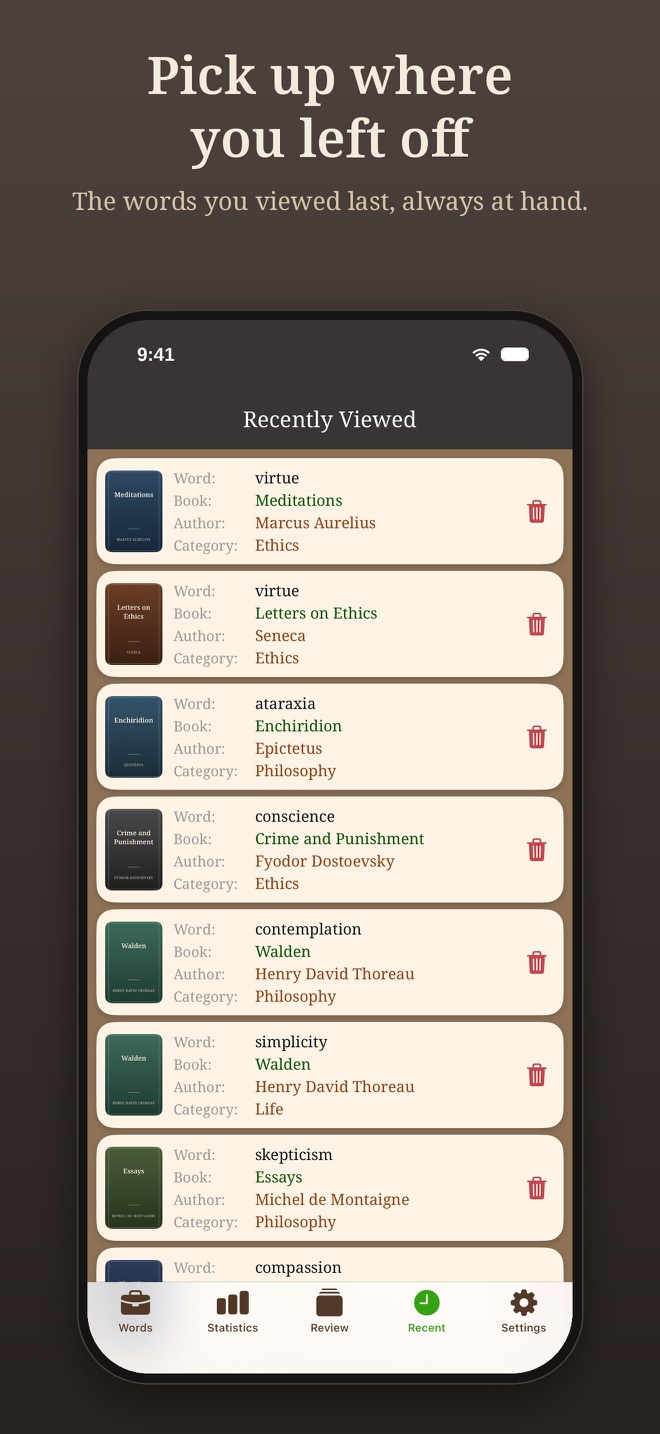
- Sort alphabetically, by date or by word count; jump back to the words you viewed last.
Review and learn
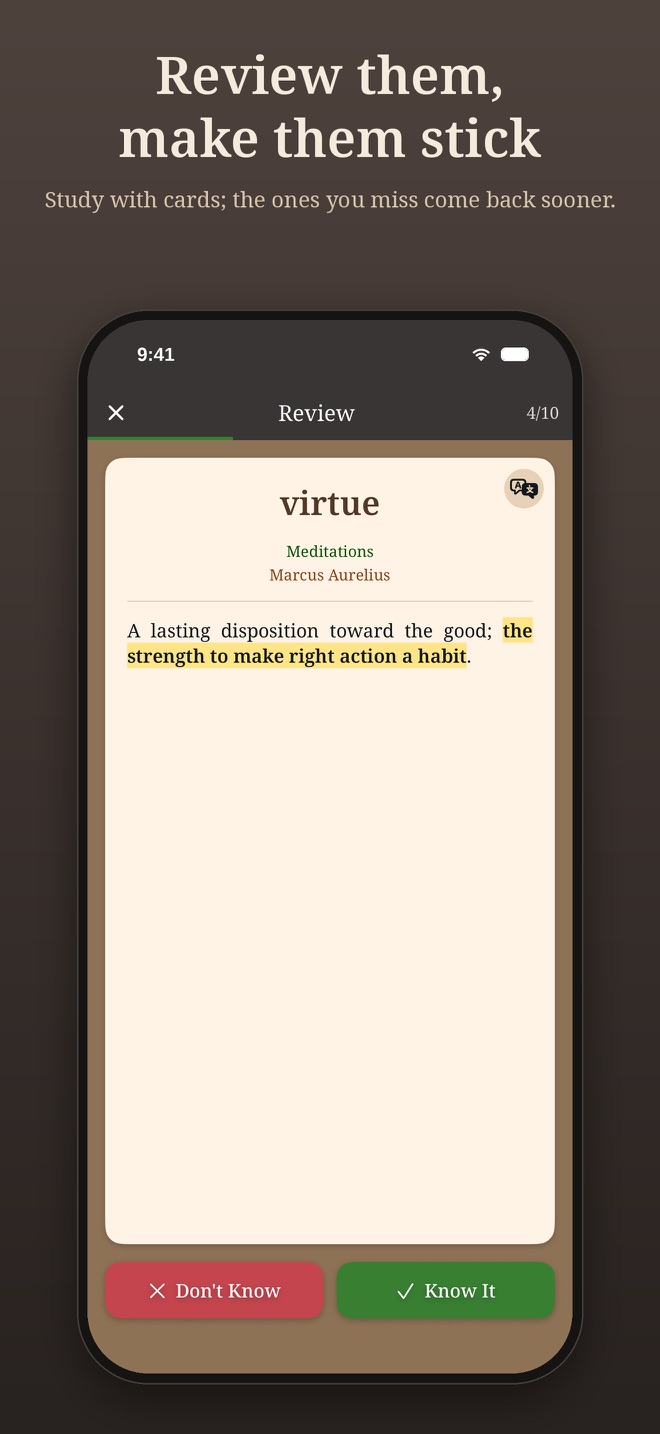
- Study your words with cards in the Review tab; the ones you don’t know come back sooner (spaced repetition).
- Study all words, or just your favorites, a book or a category.
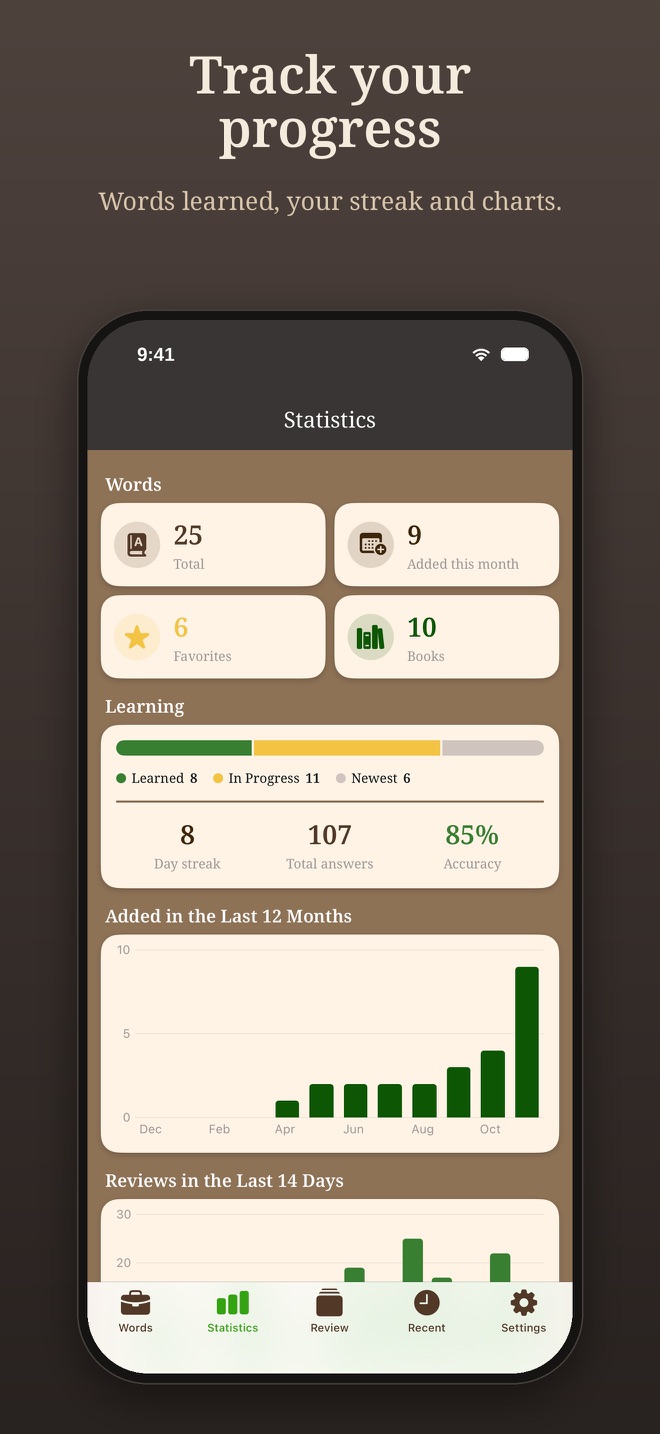
- Follow the words you’ve learned, your day streak and your accuracy in the Statistics tab.
Artificial intelligence (Pro)
- Chat with your words: ask about your words, definitions, notes and review progress, and get answers drawn from your own collection, or a broader answer from general knowledge.
- Use Apple Intelligence on your device, or connect Claude, ChatGPT or Gemini with your own API key. Cloud models run only with your permission.
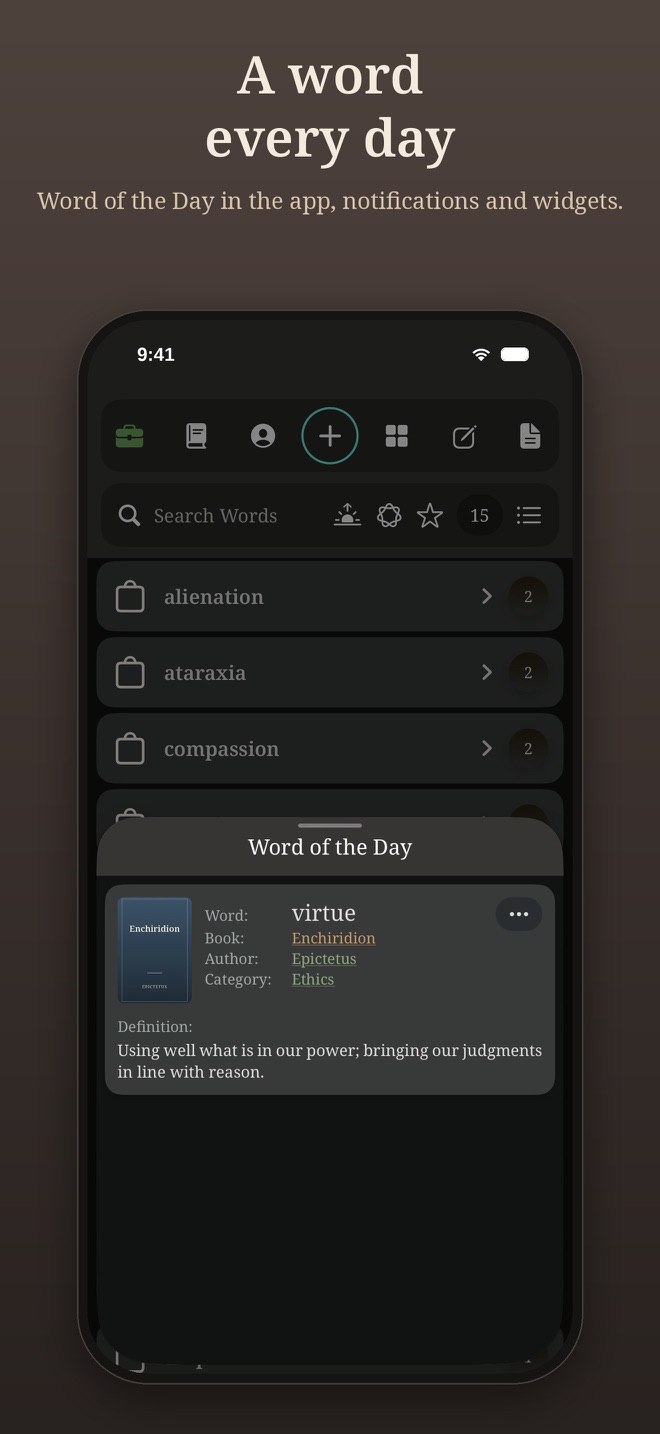
Word of the Day
- A word from your collection every day, as a notification at the time you choose.
- Keep it in sight with Home Screen and Lock Screen widgets.
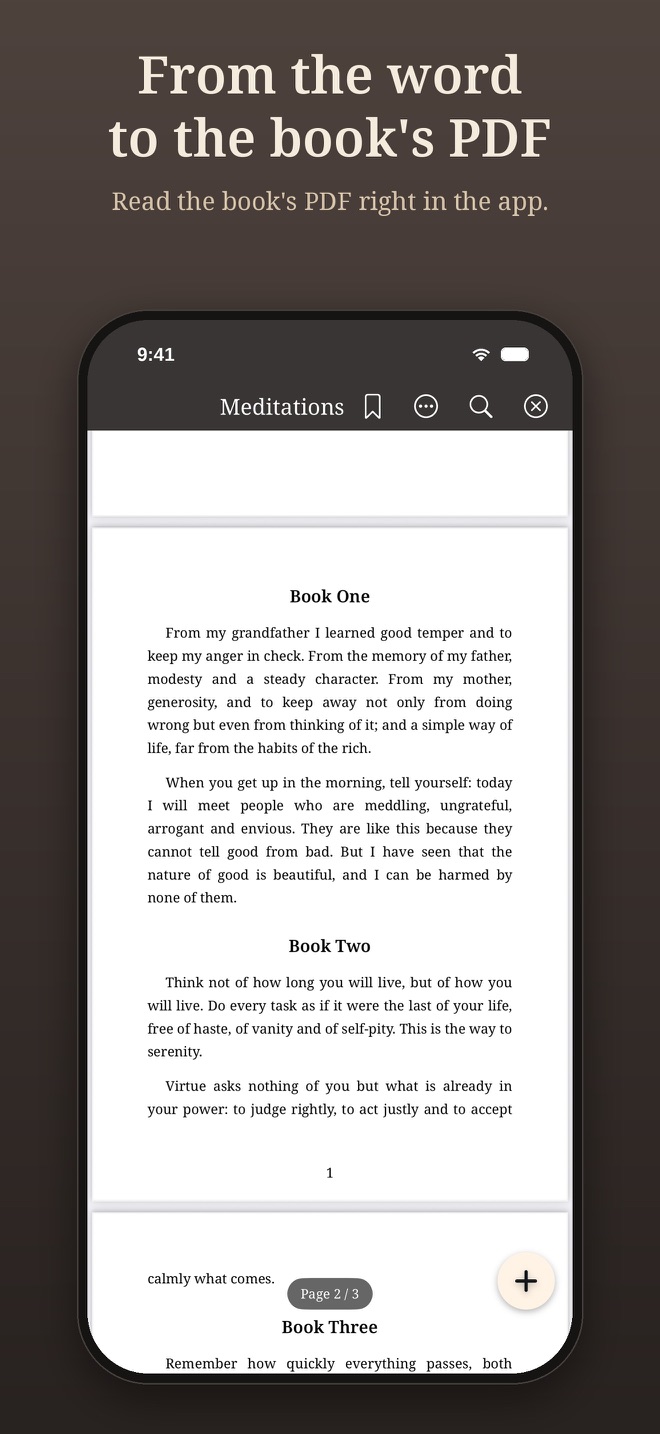
The book’s PDF at hand
- Add a book’s PDF from your device or enter its link (direct PDF links and Google Drive sharing links).
- Go from a word to the PDF page where it appears; search the PDF, add bookmarks and highlight text.
- Listen to definitions and PDF pages read aloud.
Share and keep
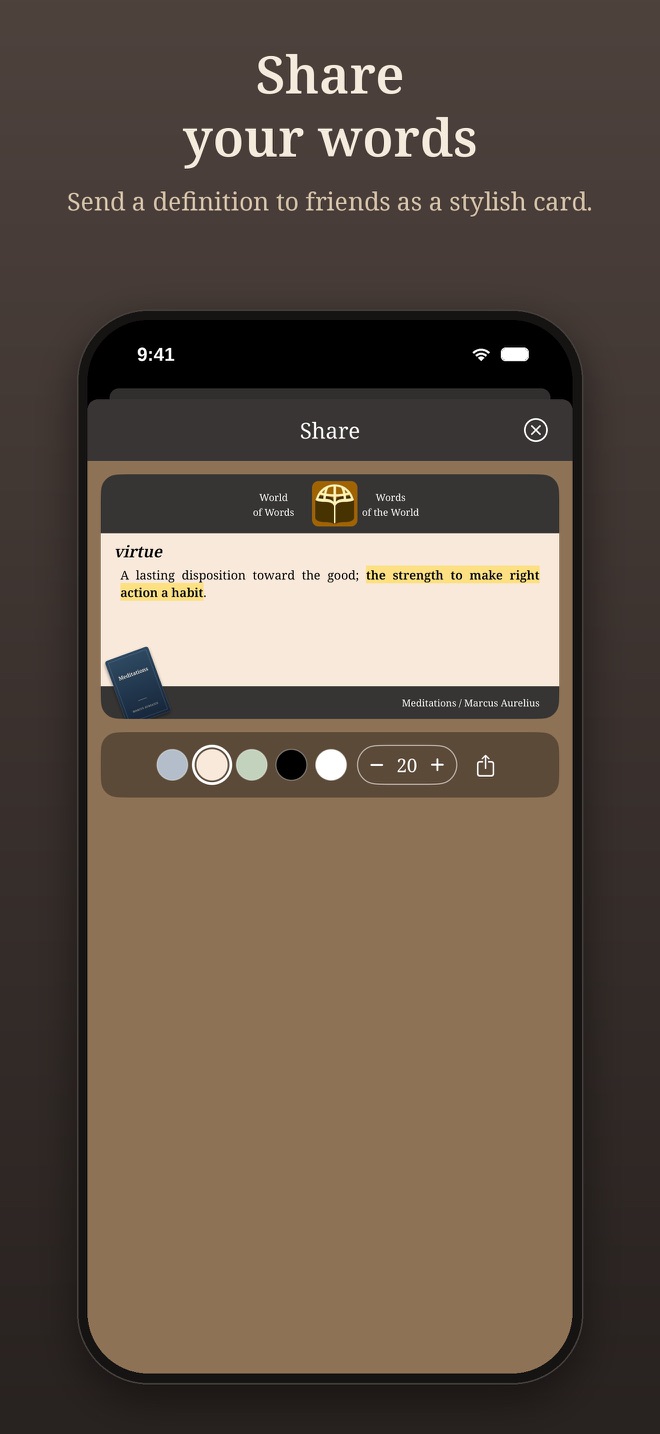
- Share a word and its definition as a stylish card.
- Your data is stored in iCloud and synced across all your devices; no account needed.
- Export your words as CSV and import them from a CSV file.
- Light and dark themes, iPhone and iPad support, interface in 19 languages.
Care for the richness of your world of meaning. May your words be many and your world of meaning be great.
Word Enclosure Pro
You can use the app for free with up to 50 words. Pro removes the word limit and unlocks AI chat. Choose a monthly or yearly subscription, or a one-time lifetime purchase. Google Drive files larger than 25 MB may not download because of Google Drive’s limitations; for these files, use a direct PDF link or add the PDF from your device. Privacy Policy